01 / Software
The LynzRC app
Detect a vehicle, select a subject, and bring tracking and zoom together. Free 2.4.1 is available now with compatible legacy Bluetooth two-axis servo gimbal control; Pro with DockKit gimbal control is awaiting review.
Made for RC filming
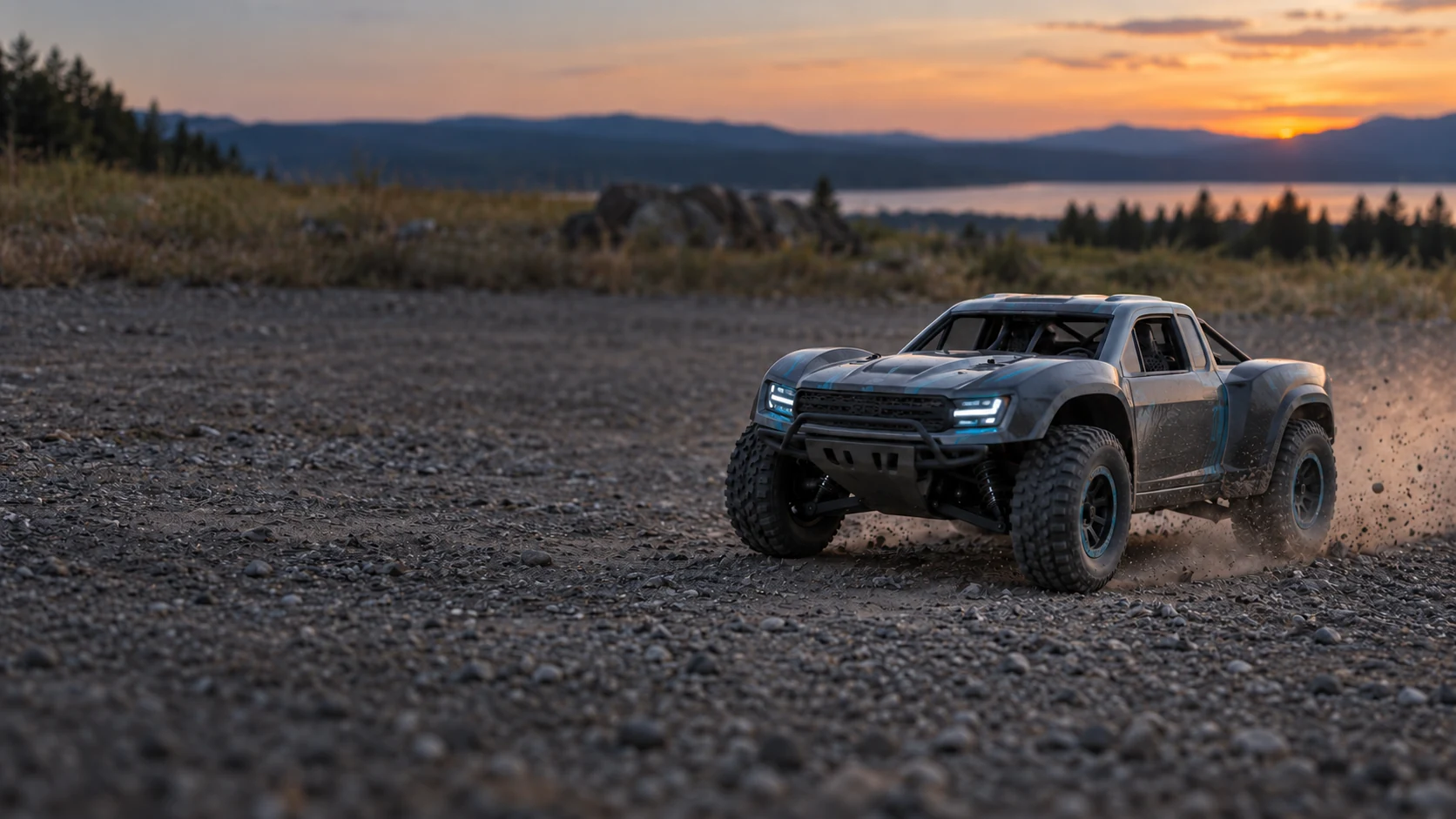
Keep both hands on the controller. LynzRC works with your iPhone and a compatible gimbal to detect and follow the RC car you choose, adjusting zoom as it moves.
About LynzRC
The latest comparison film
See the tracking loss in the Insta360 clip, then LynzRC’s automatic zoom, followed by a cropped and enhanced close-up.
Complete 33.75-second film · 1080P60 playback · English subtitles available in the player
Open the complete 4K60 filmTracking clips were filmed in the same setting on separate runs. The phone introduction combines an AI-generated scene with composited interfaces. The close-up uses cropping, slow motion and AI detail enhancement; it does not represent the app’s original output or native image detail.
Music by Karl Casey @ White Bat Audio — Race Against Sunset. CC BY 4.0. Continuous excerpt trimmed, faded and volume adjusted.
The close-up references footage of the WLtoys car, with some body and tire detail reconstructed in post-production. 4K60 describes the finished film, not recovered original texture.
The two tracking clips were filmed in the same setting on separate runs, with different speeds and driving paths.
Explore the setup in the comparisonCapabilities
Your filming should keep pace with your driving. Detection, tracking and zoom work together for a freer way to capture your RC sessions.
Detect RC vehicles in the frame and select the one you want to film. Every shot starts with a subject.
An illustrated workflow, not recorded footage or a performance test. Results depend on your phone, gimbal, light, speed and obstructions.
The filming system
Start with the equipment you have. LynzRC handles detection and framing, your phone records, and a compatible gimbal moves the camera.
Detect a vehicle, select a subject, and bring tracking and zoom together. Free 2.4.1 is available now with compatible legacy Bluetooth two-axis servo gimbal control; Pro with DockKit gimbal control is awaiting review.
Make the phone you know your filming camera. Confirm compatibility for your model and iOS version before starting.
Turn detection into camera movement. The demo uses the original Flow Pro; check other combinations with us first.
Bring your own phone and RC vehicle · Illustrations explain the setup and are not product photos
Read the setup guideComplete 33.75-second film · 1080P60 playback · English subtitles available in the player
Open the complete 4K60 filmTracking clips were filmed in the same setting on separate runs. The phone introduction combines an AI-generated scene with composited interfaces. The close-up uses cropping, slow motion and AI detail enhancement; it does not represent the app’s original output or native image detail.
Music by Karl Casey @ White Bat Audio — Race Against Sunset. CC BY 4.0. Continuous excerpt trimmed, faded and volume adjusted.
The close-up references footage of the WLtoys car, with some body and tire detail reconstructed in post-production. 4K60 describes the finished film, not recovered original texture.
Tracking comparison
The field clips show tracking and automatic zoom with LynzRC on an iPhone and a first-generation Flow Pro. The edited close-up separately demonstrates cropping and detail enhancement.
Play here · Results vary by equipment and conditions
Each link opens on YouTube in a new tab.
Ways to start
Already have a gimbal, or looking for a setup? Check compatibility first, then decide whether to purchase.
Region uncertain. Showing China and US reference prices; choose your region. This does not change your App Store region. Final app prices follow your Apple Account storefront; gimbal quotes, shipping and taxes depend on the delivery region.
Control compatible DockKit gimbals such as Flow Pro. Pro is awaiting review; Free already supports visual tracking and compatible legacy Bluetooth two-axis servo gimbals.
Free 2.4.1 is available on the App Store with visual tracking and compatible legacy Bluetooth two-axis servo gimbal control. Pro 2.4 is awaiting Apple review.
Ask about an original, used, first-generation Insta360 Flow Pro DockKit gimbal. Confirm the individual unit, accessories and your filming setup.
Units and stock are confirmed individually. Registration does not reserve stock.
Why we recommend Flow Pro Among the DockKit gimbals we have tested, a used first-generation Flow Pro costs the least. In our iPhone and Android tests, it worked best with LynzRC and tracked most smoothly.Compare used and brand new
LynzRC Pro connects through Apple DockKit on compatible iPhones. Android uses a separate LynzRC release and can also connect to Flow Pro over Bluetooth. Confirm the specific phone, OS version and features for the tested setup.
Region selection controls reference prices only. Final app prices follow your Apple Account storefront. Used gimbal quotes depend on the delivery region; confirm shipping and taxes before purchase.
Lynz brushless 3-axis gimbal · Coming soonCommon questions
Clear answers about compatibility, app availability and what happens before a purchase.
See all questions and supportThe demo shows an iPhone with a first-generation Flow Pro DockKit gimbal. LynzRC Pro connects through Apple DockKit on compatible iPhones. Android uses a separate LynzRC release and can also connect to Flow Pro over Bluetooth. Confirm the specific phone, OS version and features for the tested setup. Share your phone model, OS version and full gimbal brand and model so the team can check your combination. Support for every gimbal brand is not promised.
Yes. Free 2.4.1 is available now with visual tracking and connection and follow control for compatible legacy Bluetooth two-axis servo gimbals; the specific model still needs checking. Tracking and recording also work without a gimbal. Flow Pro / DockKit control is a feature of Pro, which is awaiting review, with planned prices of China ¥49 / US US$9.99. Download Free or check release status under Support → App access. Final prices are shown by the App Store.
The current setup combines the LynzRC app with a third-party, first-generation Insta360 Flow Pro. Among the DockKit gimbals we have tested, a used first-generation Flow Pro costs the least. In our iPhone and Android tests, it worked best with LynzRC and tracked most smoothly. Indicative used gimbal prices: China ¥249 / US ≈ US$89; the app is separate. If you prefer a new unit and the brand's own support, first check the full gimbal model, phone and OS version, then consider buying from Insta360's official channels. A Lynz brushless 3-axis gimbal made by us is coming soon. This future product is separate from the used Flow Pro quoted here.
Go to Support → App access and choose “Download free on the App Store”. Free 2.4.1 is available on the App Store with visual tracking and compatible legacy Bluetooth two-axis servo gimbal control. Pro 2.4 is awaiting Apple review. Free uses the existing App Store link, so existing users can update through the store. An Android APK cannot be installed on an iPhone.
No. Interest registration is free, takes no deposit and this website does not accept online payments. The team uses your email to check equipment, interest and next steps. Registration does not reserve hardware stock or complete a purchase.